How to practically benefit from AI tools
Last updated 2026-07-18
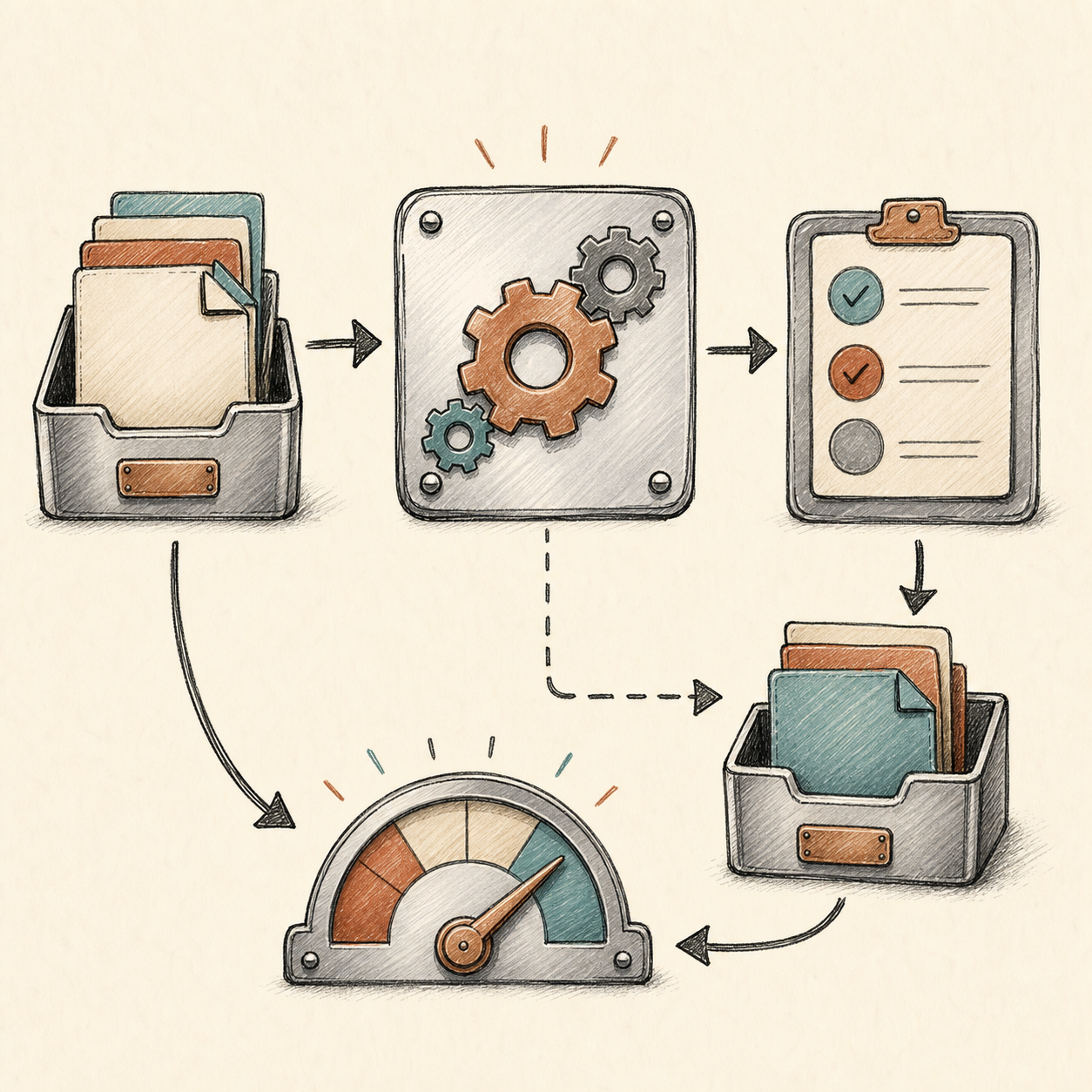
The teams that get durable value from AI usually do not start with a model demo. They start with repeated work. Anywhere people read, classify, draft, summarize, compare, extract, review, or move information between systems, there may be a practical AI use case. The goal is not to make every task magical. The goal is to remove enough friction from a real workflow that the time savings are visible.
A useful way to think about AI tools is as a layer of assistance between raw information and human judgment. The model can draft, transform, and prepare work; people still decide what is correct, appropriate, and ready to ship. That framing keeps expectations realistic and makes ROI easier to measure.
Coding and engineering
Coding tools are most useful when they reduce search, boilerplate, and repetitive edits. Good use cases include writing tests from existing behavior, explaining unfamiliar code, preparing migration plans, generating first-pass documentation, reviewing pull request intent, and producing small implementation drafts. The business value is not "the AI wrote code." The value is that engineers spend less time on low-leverage setup and more time on architecture, correctness, and product decisions.
Support and operations
Support workflows often have clean ROI because they already have measurable queues. AI can summarize tickets, identify urgency, suggest replies, extract product signals, and route cases to the right team. The safest pattern is assisted resolution: AI prepares the answer, and a person approves or edits it. That protects quality while still reducing reading and drafting time.
Research, analysis, and documents
Long documents are expensive in human attention. AI can create structured summaries, pull out obligations, compare versions, extract dates and entities, and flag uncertainty. This is where citations and traceability matter. Ask the system to show which document section or source supports an answer. Without that, the time saved on reading can come back as time spent checking hallucinated details.
Content and marketing operations
AI can help turn one asset into many formats: a webinar into a blog outline, a blog into social variants, a product brief into email copy, or a campaign idea into image prompts. The useful habit is to count drafts. Creative work often generates many candidates for each final asset, and those drafts are part of the workload cost.
Once the workflow is clear, estimate monthly volume in the comparison tool. Then test whether the saved time justifies spend in the ROI calculator. That loop is how AI becomes an operating decision rather than a subscription guess.
References and fact checks
- Cursor pricing and usage documentation - documents how model choice, agent use, team plans, and spending limits affect coding-tool usage
- GitHub Copilot plans and billing - shows how organizational seats and pooled AI credits affect coding assistant cost management
- Google Gemini API pricing - documents token, tool, media, and batch pricing that can affect document and content workflows
How to do this in AICC
Turn the article into an answer you can use
Use AICC as a workflow design assistant: pick one repeated task, model usage, compare tools, and decide whether the practical benefit is worth it.
- 1
Choose one workflow from the article
Pick coding, support, research, content operations, document processing, or automation. Keep the first pass narrow enough that you can count volume and time saved.
- 2
Find candidate tools in Pricing
Use the Pricing map to scan providers and tool types that match the workflow. Pay attention to unit price and whether the model category fits the job.
- 3
Model the workflow in Compare
Use the Comparison tool to enter monthly tokens, seats, images, video, audio, or volume. This turns the idea into a monthly budget.
- 4
Close the loop with ROI
Use the ROI calculator to test whether the workflow saves enough time after review. If ROI is weak, narrow the task or choose a cheaper model tier.
What you should have at the end
You should have a concrete first workflow, a shortlist of tools, expected monthly spend, and an ROI case for trying it.
Frequently asked questions
What kind of workflow is the best candidate for a first AI use case?
A repeated task with a clear before-and-after effort, such as ticket summarization or code review prep, not a vague goal like "make the team more productive."
How does AI create value in document-heavy workflows without new risk?
By producing structured summaries and extractions with traceability back to the source section, so time saved reading isn't offset by time spent checking unverifiable claims.
Where should teams be most cautious about relying on AI-generated first drafts?
In workflows where mistakes create legal, financial, safety, privacy, or customer-trust risk — AI is best used where a first draft is valuable and errors are recoverable.