Prompt caching and batch discounts explained
Last updated 2026-07-18
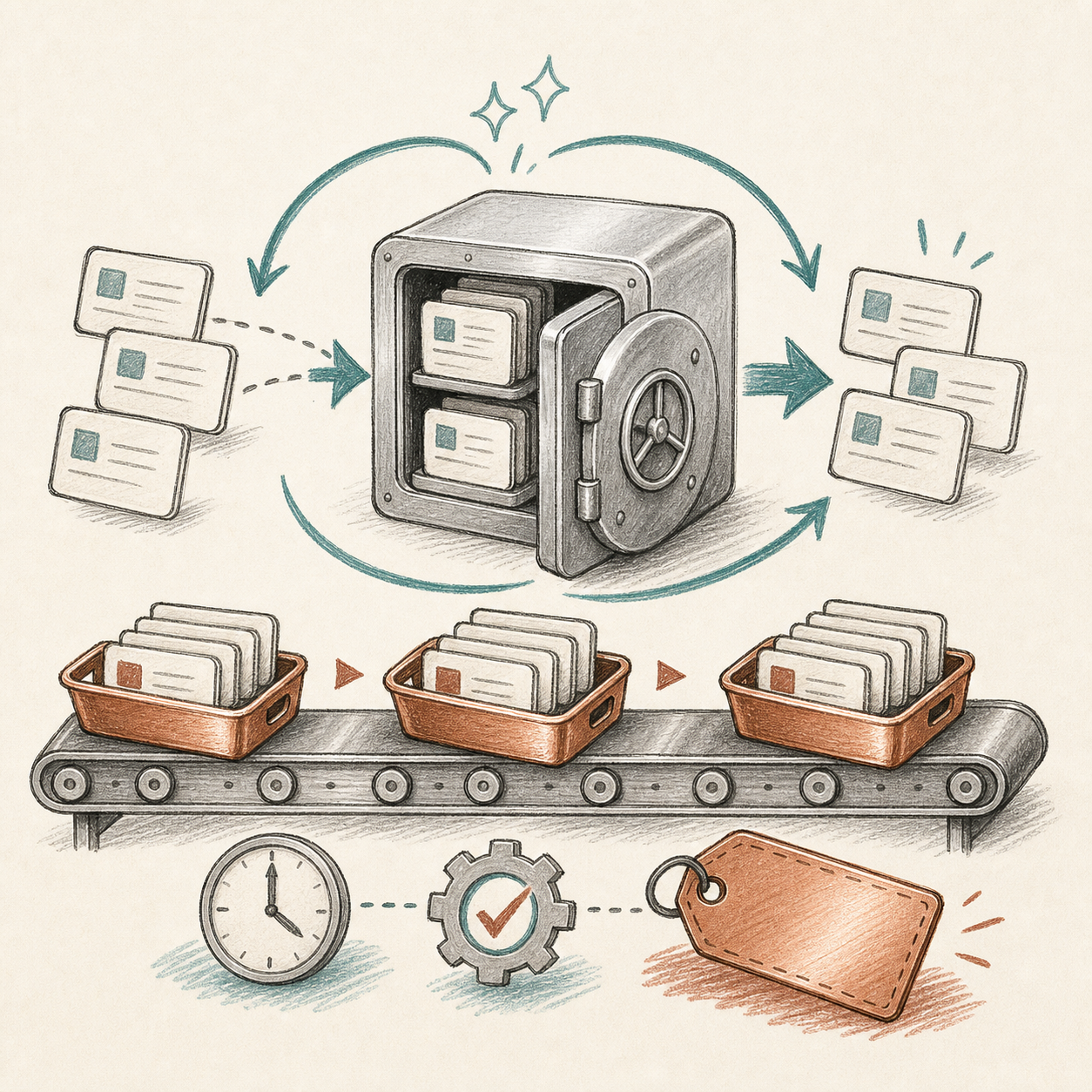
Prompt caching and batch pricing are two of the most important ways real AI bills diverge from the headline token rate. They are also easy to misuse in estimates. Caching helps when the same context repeats. Batch pricing helps when the work can wait. If neither condition is true, the discount may not apply.
Prompt caching in plain English
Many AI applications resend the same context again and again. A support assistant may send a policy manual with every customer question. A coding assistant may send repository context repeatedly. A document workflow may reuse the same schema and instructions. Prompt caching lets the provider reuse already-processed prompt content and charge less for the reused portion.
The important detail is that caching usually depends on prompt stability. If your prompt changes constantly, the reusable portion shrinks. If the repeated prefix is large and stable, caching can materially reduce input cost and latency. Some providers expose cache reads and cache writes separately, so a bill can include standard input, cache write input, cache read input, and output.
Batch pricing in plain English
Batch APIs are for work that does not need an immediate response. Think overnight classification, historical backfills, document enrichment, data labeling, or bulk summarization. Providers can run this work more efficiently, and they may offer lower rates in exchange for delayed completion. That trade is attractive when latency is not part of the user experience.
How to model the discount
Estimate the real-time price first. Then create a second case for the discounted design: cached context if the prompt is stable, batch mode if the workflow can wait, or both if the provider supports it. If the business process cannot tolerate delayed results, do not model batch savings. If user prompts vary too much, do not assume cache hits.
References and fact checks
- OpenAI prompt caching - describes automatic discounts for recently seen prompt prefixes and cache reporting
- Anthropic pricing and prompt caching - documents cache write, cache hit, and base token pricing concepts
- Google Gemini API pricing - lists context caching and Batch API availability for paid usage
How to do this in AICC
Turn the article into an answer you can use
Use AICC to compare the full real-time price against a discounted operating design, then decide whether caching or batch mode is realistic for the workflow.
- 1
Price the baseline first
Use Compare with normal monthly input and output tokens before assuming any discount. This creates the honest full-price case.
- 2
Identify repeated context
Look at your prompt design. If the same system prompt, policy, schema, or document appears repeatedly, note that caching may reduce effective input cost depending on provider rules.
- 3
Separate work that can wait
List jobs that do not need instant answers: backfills, enrichment, classification, and summarization. Those are candidates for batch pricing where supported.
- 4
Use Pricing and references to confirm support
Return to the Pricing map and source links for provider-specific pricing rows. Only model the discounted case if the provider and workflow actually support it.
What you should have at the end
You should have two scenarios: the full real-time cost and the discounted design case, plus a clear reason why the discount is or is not operationally realistic.
Frequently asked questions
When does prompt caching actually reduce cost?
When the prompt has a large, stable, repeated prefix — if your prompt changes constantly, the reusable portion shrinks and caching has little effect.
Is batch pricing a good fit for real-time chat features?
No. Batch discounts apply to work that can tolerate delayed completion, like backfills, enrichment, or bulk summarization, not to workflows where latency is part of the user experience.
Should I assume caching or batch discounts apply before checking provider docs?
No. Always price the full real-time case first, then only model a discounted scenario after confirming the specific provider and model actually support caching or batch mode for your use case.